
Export your way
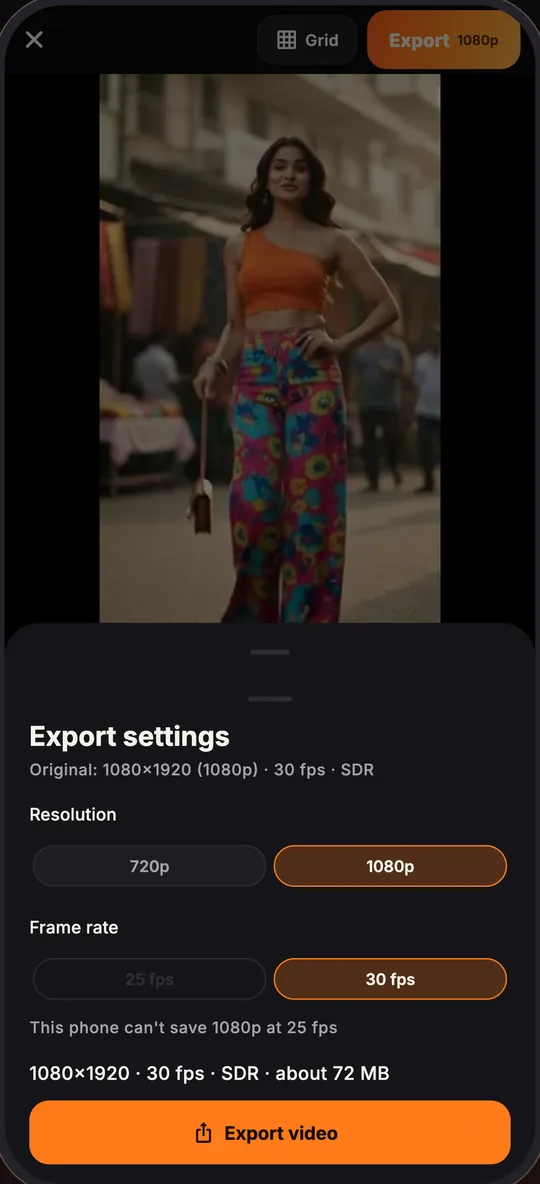
Slow-motion, reverse and stabilize, then export a finished MP4 ready to post, from 720p up to 4K depending on your plan. No watermark, even on the free plan.
Turn your raw video into a ready-to-post edit in one tap. Dead air and bad takes are cut, and captions, effects, sound effects and music are added automatically.Raw video to ready-to-post in one tap. Dead air and bad takes cut, captions, effects and music added automatically.


Your video stays on your phone. No ads. Your data is never sold.Stays on your phone. No ads. Data never sold.
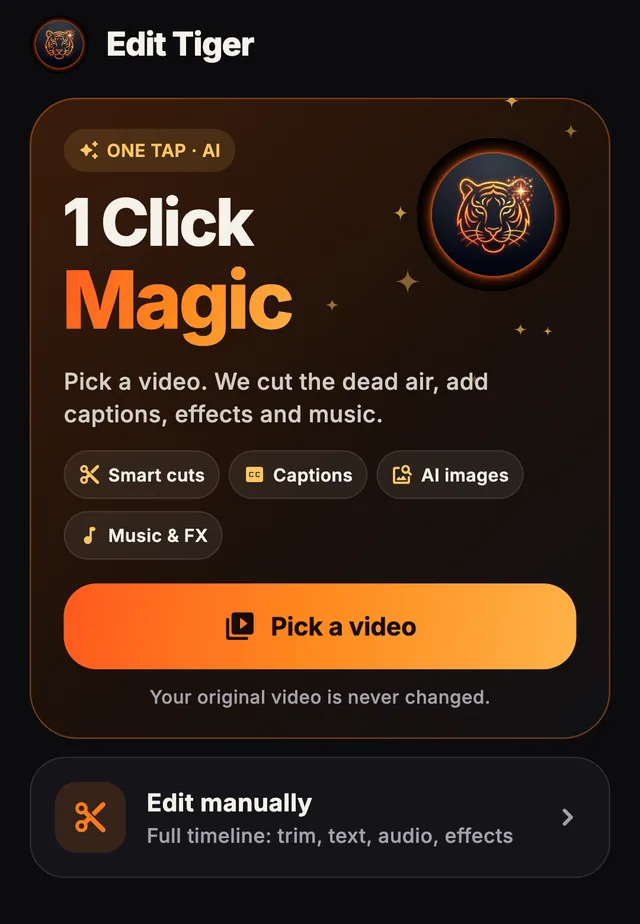
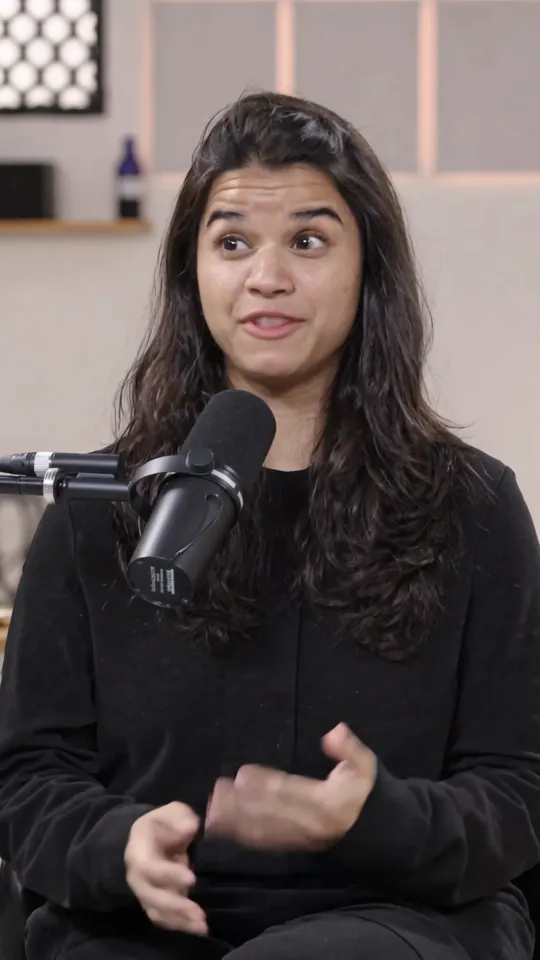
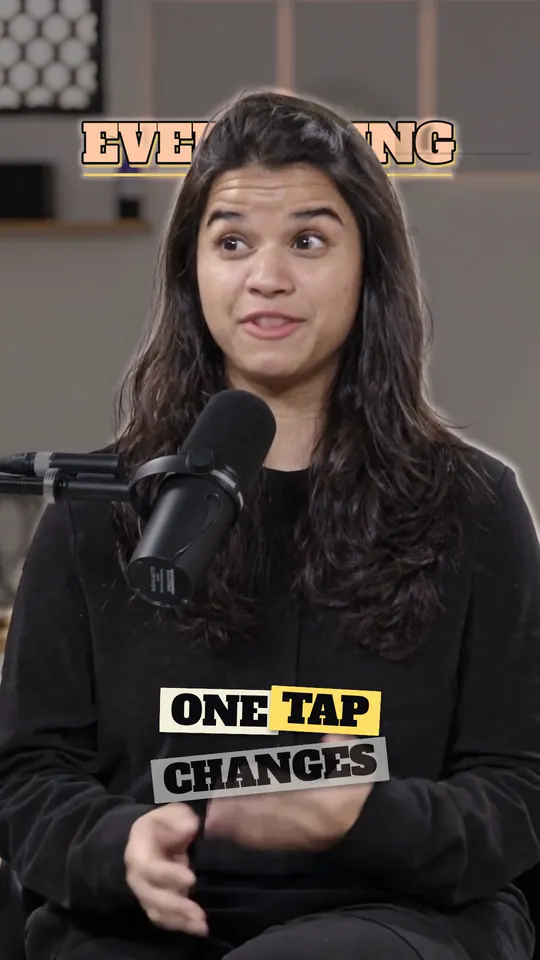
9 automatic steps, 1 tap
Tap Magic to watch the 9 steps, or drag the handle to compare.
Edit Tiger is a 1-tap automatic video editor for iPhone and Android. Its 1 Click Magic feature turns a raw spoken video into a ready-to-post edit: it automatically cuts dead air and bad takes, then adds captions, effects, sound effects and music. The store listing calls it an AI video editor. You can change everything afterwards on a full timeline.
Pick a video and 1 Click Magic edits it for you. All nine steps land on your timeline, and you can change or undo any of them.
Pauses and silences are trimmed so the pace stays tight.
Repeated lines and false starts are found and cut for you.
Every spoken word becomes a caption, in a style you choose.
Translate your captions into other languages in one tap.
Visual effects are placed on your timeline where they fit.
Short sound effects are added at the right moments.
A music track sits under your voice to set the mood.
A color look is applied across your clips.
Titles sit behind you, using a cut-out made on your phone.
Auto captions, effects, behind-you text and ready-made templates. Filter the carousel, then hover or tap a card to play it.
Previews are made with placeholder clips. Hover or tap a preview to play it.
Slow-motion, reverse and stabilize, then export a finished MP4 ready to post, from 720p up to 4K depending on your plan. No watermark, even on the free plan.
Describe a picture and add it to your video as a layer. A safety filter blocks unsafe prompts, and you can report any image.

Ready-made looks for reels and shorts. Pro and Max add Premium templates and the Pro effects library.

Speak in one language, caption in another. Auto captions understand 111 spoken languages, and any caption can be translated into 120 languages, including Hinglish in Roman script.
120 languages for caption translation, 111 of them also for spoken audio
No match. Try the English name, such as Japanese.
You choose the video. The app edits it automatically. You stay in control of the final cut.
Choose clips and photos from your library. Your originals are never changed.
Pick a template and tap Apply. The app listens to the audio, then auto cuts, auto captions and styles the clip for you.
Adjust anything on the timeline, then save to your gallery or share.
Editing and export happen on the device.
When you use captions, 1 Click Magic, translation or AI images, only what the feature needs (the audio track, the spoken words or the text you typed) is sent to third-party AI services, and only after you tap the button.
No advertising SDKs, no advertising ID, no selling of data. We count visits and feature use with Google Analytics, and the website loads it only after you accept. You can delete your account in the app at any time. Read the privacy policy.
Free to start. Credits pay for AI features; plans add monthly credits and unlock more. Choose monthly or yearly, or top up with a credit pack.
Credit packs are a one-time payment and never expire. New accounts get 500 free credits. Yearly plans are billed once a year and add the plan credits every month. Free exports are 720p. Starter and credit packs add 1080p; Pro and Max go up to 4K. HDR or SDR on every paid plan. A larger size costs no extra credits, and no export is larger than your source video. Buy plans and credit packs in the app, and see prices in 49 currencies on the pricing page. Plans renew automatically until you cancel. See the Terms of Use.
Open Edit Tiger on your iPhone or Android phone, pick a video, choose a template and tap Apply. 1 Click Magic then edits the video automatically in nine steps: it cuts dead air and bad takes and adds captions, effects, sound effects and music. Adjust anything on the timeline and export a finished MP4 ready to post, with no watermark.
Yes. An auto video editor app analyses the audio of your clip and makes the edit for you. Edit Tiger does this in one tap: it finds the pauses, repeated lines and false starts, cuts them, then adds captions, effects and music. The result lands on a normal timeline, so you can check every change and undo any of them.
Tap 1 Click Magic. Its first two steps do this for you: Cut dead air trims pauses and silences so the pace stays tight, and Remove bad takes finds repeated lines and false starts and cuts them. The cuts land on your timeline, so you can review them or undo any of them. Your original video is never changed.
That depends on what you need, and we cannot rank apps for you. When you compare auto video editors, check whether the app starts the edit in one tap, cuts silences and bad takes, adds captions in your language, leaves the result editable, exports without a watermark and keeps your video on your phone. Edit Tiger does all of these on iPhone and Android, and every new account gets 500 free credits, so you can test it on your own videos.
Both. Edit Tiger is an automatic video editor: one tap makes the whole first edit. It uses AI for the parts that need it, such as speech recognition for auto captions, finding bad takes and translating captions. In the App Store and Google Play it is listed as Edit Tiger: AI Video Editor.
Yes. Auto captions turn every spoken word into a caption in a style you choose, in 111 spoken languages, and Caption translation can translate those captions into 120 languages in one tap.
It is free to start. Every new account gets 500 free credits, once per device, and they never expire. Credits pay for AI features. Plans start at $9.99 per month and add monthly credits; local prices and taxes are shown at checkout.
No, not for the basic editor. You sign in (Google, Apple, an email code or a mobile code) to use credits, AI features and plans.
Only what the feature needs: the audio of the clip for captions and 1 Click Magic, the transcript for planning and translation, and the text you type for AI images. Never your video or photos. Details are in the privacy policy.
Credits pay for AI features. Every new account gets 500 free credits, once per device, and they never expire. Plans add monthly credits that last for the billing period, and credit packs never expire.
Plans renew automatically until you cancel in your store account. On iPhone: Settings → your name → Subscriptions. On Android: Google Play → Payments & subscriptions → Subscriptions. Cancelling stops the next renewal and you keep access until the end of the period you paid for. See the Terms of Use.
Edit Tiger is for iPhone (App Store) and Android (Google Play).
Yes. Caption translation turns your captions into any of 120 languages, including Hindi, Tamil, Spanish, French, Japanese and Arabic, in one tap. Only the transcript text is sent for translation, never your video.
A finished MP4 with your cuts, captions, effects and music already in it, ready to post to reels, shorts and stories. There is no watermark on any export, even on the free plan, and the original video on your phone is never changed.
Free exports are 720p. Starter and credit packs export at 720p or 1080p, and Pro and Max at 720p, 1080p, 2K or 4K, in HDR or SDR. Picking a bigger size costs no extra credits. Nothing exports larger than the video you imported, and a size your phone cannot encode shows as "Not supported on this phone".
Yes, at any time in the app. Deleting your account does not cancel a store subscription, so cancel it in your App Store or Google Play account first. More on the delete account page.
No. The app has no advertising SDKs, does not read your advertising ID and does not sell your data. It uses Google Analytics to count usage, and the website loads it only if you accept. Read the privacy policy.
Open Profile → Help and support in the app, or see the support page. You can also email us:  .
Free to start. The basic editor needs no account. New accounts get 500 free credits.